
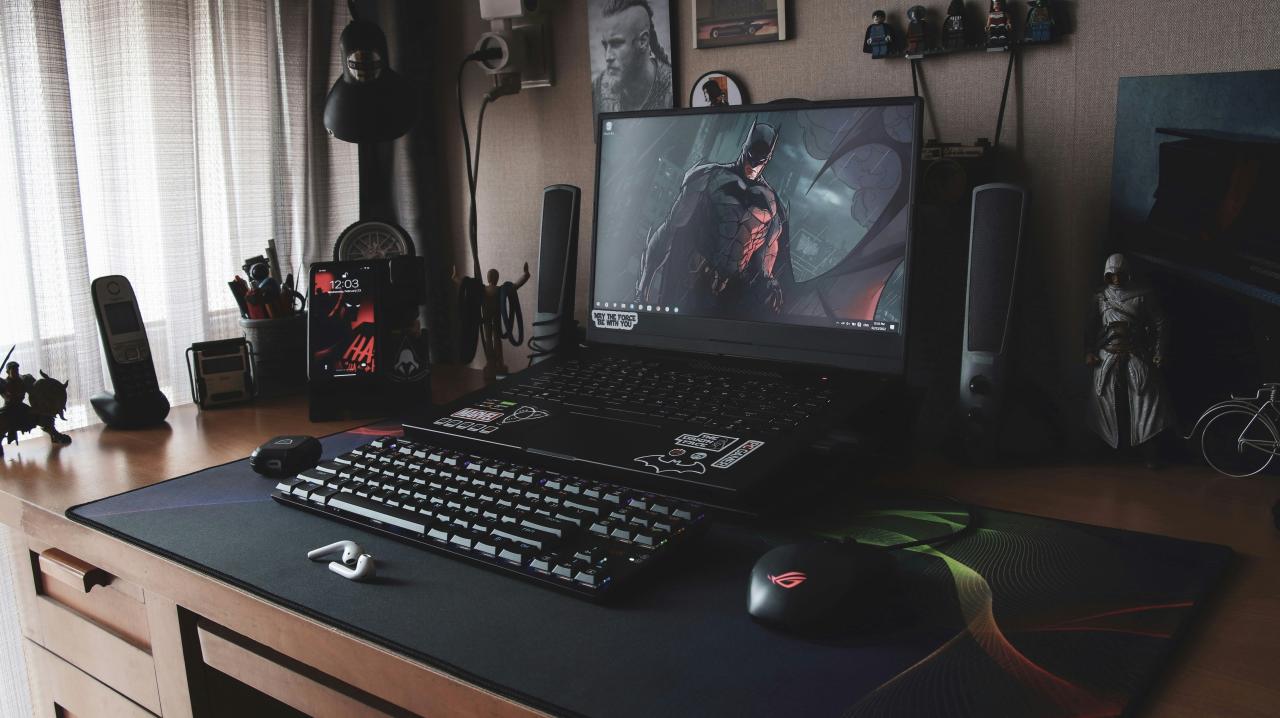
Finding the perfect balance between cost and raw power is the ultimate quest for every modern PC gamer on a budget. In the past, choosing a cheaper portable machine usually meant sacrificing frame rates and dealing with sluggish load times. However, the hardware landscape has shifted dramatically, allowing manufacturers to pack incredible technology into more accessible price brackets. You no longer need to spend a small fortune to enjoy the latest triple-A titles at high settings.
The secret lies in understanding which internal components matter most for your specific gaming needs and where you can afford to cut corners. Strategic shoppers can now find machines that offer stunning visuals and smooth gameplay without breaking the bank. This transformation is driven by fierce competition between chip makers, resulting in more efficient and powerful mobile processors for everyone.
By focusing on the “sweet spot” of performance-per-dollar, you can secure a laptop that remains relevant for years to come. This guide will walk you through the essential specifications and hidden features that define a truly great value gaming machine.
Navigating the market requires a keen eye for detail and a solid understanding of how different parts interact with each other. It is about making informed trades that favor gameplay stability over unnecessary aesthetic flourishes.
Prioritizing the Graphics Processing Unit (GPU)
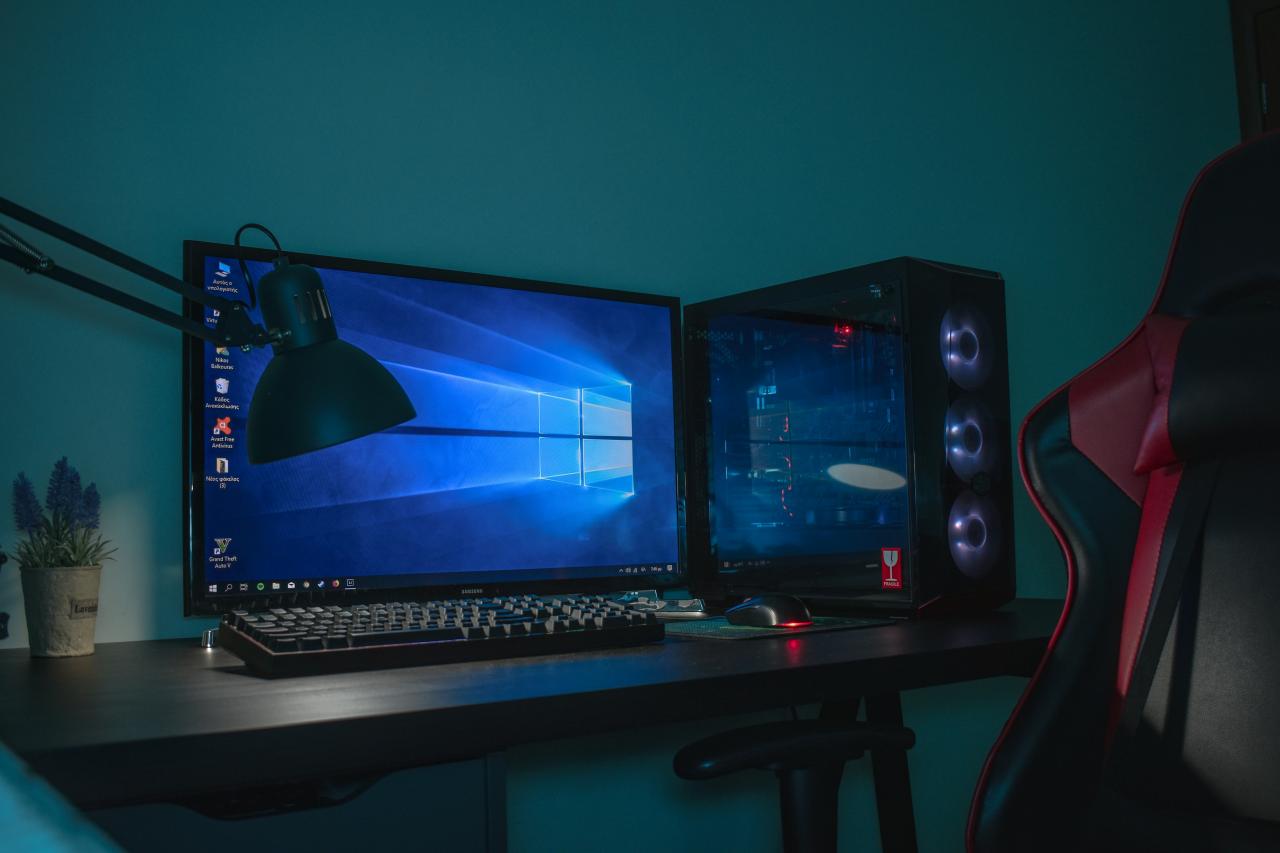
The GPU is arguably the most critical component in any gaming setup, as it handles the heavy lifting for rendering every pixel on your screen. When working with a limited budget, you must choose a card that offers the best longevity for modern gaming engines.
A. Look for mid-range mobile GPUs that support hardware-accelerated ray tracing and DLSS or FSR technologies.
B. Avoid entry-level chips that have less than 4GB of dedicated video memory (VRAM) to ensure textures load properly.
C. Compare the “Total Graphic Power” (TGP) ratings, as a higher wattage card will always outperform a lower-powered version of the same model.
D. Check for laptops that offer a “MUX Switch” to allow the GPU to send frames directly to the display for a performance boost.
The right GPU will determine whether your favorite games look like a cinematic masterpiece or a blurry mess. It is the one area where you should spend as much of your budget as possible.
Central Processing Unit (CPU) Efficiency
While the GPU handles the visuals, the CPU is the brain of the operation, managing game physics, AI, and background tasks. A modern gaming laptop needs a processor that can keep up with the graphics card without causing a bottleneck.
A. Opt for processors with at least six cores and twelve threads to handle modern multi-threaded game engines.
B. Look for the latest architecture generations, as they provide better power efficiency and less heat generation.
C. Balance your choice by ensuring the CPU speed complements your GPU; an overpowered CPU with a weak GPU is a waste of money.
D. Consider chips from both major manufacturers, as competition has made high-performance mobile computing very affordable recently.
A fast CPU ensures that your minimum frame rates stay high during intense action sequences. This leads to a much smoother and more responsive gaming experience overall.
Display Quality and Refresh Rates
There is no point in having high frame rates if your screen cannot display them properly. The display is your window into the virtual world, and its quality can make or break your immersion.
A. Seek out panels with at least a 144Hz refresh rate to make movement look fluid and reduce motion blur.
B. Prioritize IPS technology for better color accuracy and wider viewing angles compared to older TN panels.
C. Look for “Adaptive Sync” features like G-Sync or FreeSync to eliminate screen tearing during gameplay.
D. Aim for a brightness level of at least 300 nits if you plan to play in well-lit rooms or near windows.
A high-refresh-rate screen makes everything from navigating windows to competitive shooting feel significantly faster. It is a feature that once was premium but is now standard on great budget machines.
Memory and Storage Essentials
The amount of RAM and the speed of your storage dictate how fast your games load and how well the system multitasks. These are often the easiest components to upgrade later, but you should start with a solid baseline.
A. Ensure the laptop has at least 16GB of DDR4 or DDR5 RAM to avoid stuttering in modern open-world titles.
B. Only buy machines with an NVMe SSD, as traditional hard drives are far too slow for modern gaming requirements.
C. Check if there is an empty M.2 slot or RAM DIMM available for future upgrades when your budget allows.
D. Look for dual-channel memory configurations, as running two sticks of RAM is much faster than running a single one.
Fast storage doesn’t just help games load; it makes the entire operating system feel snappy and new. It is the foundation of a frustration-free computing experience.
Thermal Management and Cooling Design
A laptop can have the best specs in the world, but it will fail if it cannot stay cool. Effective thermal management prevents “thermal throttling,” which is when the system slows down to prevent damage.
A. Inspect the underside and sides of the laptop for large air intake and exhaust vents to ensure proper airflow.
B. Research user reviews to see if the fans are overly loud or if the keyboard gets too hot to touch during long sessions.
C. Look for designs that use multiple heat pipes and dual-fan setups to move heat away from the CPU and GPU.
D. Consider using a cooling pad or simply propping up the back of the laptop to improve air intake.
Cooling is often where manufacturers save money on budget models. Finding a machine that runs cool will extend the lifespan of your hardware significantly.
Keyboard and Input Quality
As a gamer, the keyboard is your primary interface for every command and movement. A mushy or ghosting keyboard can lead to missed inputs and lost matches.
A. Look for keyboards with “N-Key Rollover” to ensure every button press is registered, even when pressing many at once.
B. Check for tactile feedback and a decent amount of key travel for a more satisfying typing and gaming feel.
C. Decide if RGB lighting is important to you, as some budget models offer single-zone or no lighting to save costs.
D. Evaluate the touchpad quality, though most gamers will prefer using a dedicated gaming mouse for serious play.
A solid keyboard makes the laptop more versatile for school or work as well. It is an often-overlooked part of the overall value proposition.
Port Selection and Connectivity
A gaming laptop needs to connect to various peripherals, from high-speed mice to external monitors. Having the right ports will save you from carrying around a bag full of adapters and dongles.
A. Ensure there is at least one HDMI 2.1 or DisplayPort over USB-C for connecting to external 4K displays.
B. Look for multiple USB 3.2 ports to handle your mouse, keyboard, and external storage simultaneously.
C. Check for an Ethernet jack, as a wired connection is always more stable than Wi-Fi for competitive online gaming.
D. Verify that the Wi-Fi card supports the latest standards for the best possible wireless speeds and range.
Good connectivity turns your laptop into a portable battle station. It gives you the flexibility to build a full desk setup whenever you are at home.
Battery Life and Portability
While gaming laptops are meant to be plugged in during heavy play, you still want some portability for other tasks. A battery that lasts a few hours for productivity is a huge plus.
A. Look for a battery capacity of at least 60Wh to get decent runtimes during light web browsing or watching videos.
B. Consider the weight and thickness if you plan on carrying the laptop in a backpack every day.
C. Check if the power brick is overly bulky, as this adds to the total weight you have to carry around.
D. Use “Battery Saver” modes and integrated graphics when you are away from an outlet to maximize your time.
Most budget gaming laptops aren’t thin-and-light, but they should still be manageable. Finding that middle ground is key for students or travelers.
Build Quality and Chassis Materials
Budget laptops often use plastic instead of metal to keep costs down. However, not all plastics are created equal, and you want something that feels sturdy and durable.
A. Test for “keyboard flex” by pressing down in the center; a stiff deck indicates a higher quality build.
B. Check the hinges to make sure the screen doesn’t wobble excessively when you type or move the laptop.
C. Look for a matte finish that resists fingerprints and keeps the machine looking clean over time.
D. Ensure the screen bezels are thin to provide a more modern look and a smaller overall footprint.
A durable chassis protects the expensive internal components from the bumps and bruises of daily life. It is the protective shell that keeps your investment safe.
Software and Bloatware Management
Many manufacturers pre-install unnecessary software that can slow down your system. Knowing how to clean up your OS will give you a “free” performance boost.
A. Perform a clean installation of Windows to remove all factory bloatware and unnecessary background processes.
B. Use the manufacturer’s control software to adjust fan speeds and power profiles for different scenarios.
C. Keep your GPU drivers updated to the latest version to ensure compatibility with new game releases.
D. Disable “Startup Apps” in the task manager to make your laptop boot up as fast as possible.
A clean system runs faster and more reliably. Taking an hour to set up your software correctly can make a massive difference in your daily experience.
Conclusion
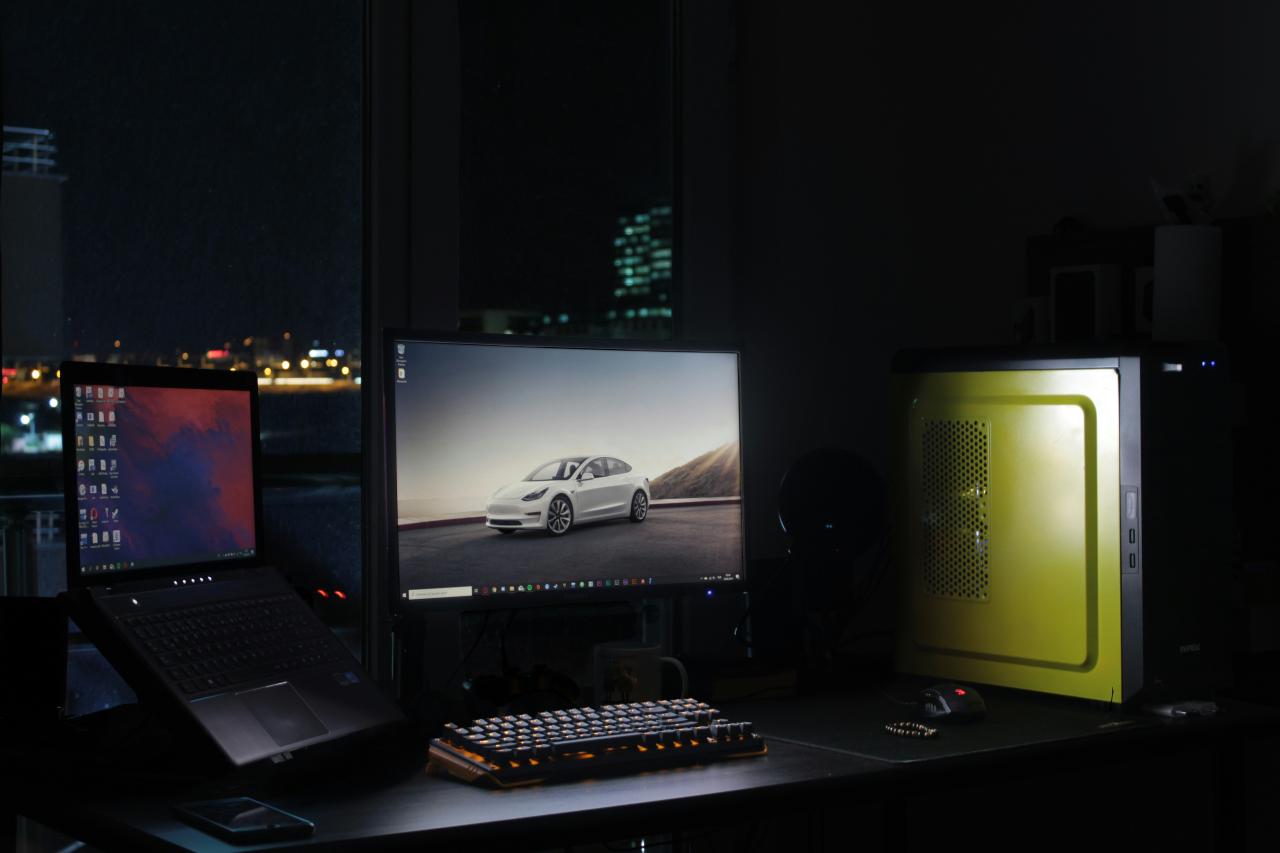
Finding a great gaming laptop on a budget is about making smart compromises. You should always prioritize the GPU and CPU over fancy lights or extra thinness. A high-refresh-rate screen is the most noticeable upgrade you can get for gaming. Do not be afraid of plastic builds as long as the internal cooling is solid.
Remember that RAM and storage are often the only things you can upgrade later. Reading actual user reviews is more important than looking at a spec sheet. The best value is usually found in the middle of the manufacturer’s lineup. Keep your cooling vents clear to maintain peak performance during long sessions. A laptop is an investment in your entertainment and your productivity. Enjoy the freedom that comes with having a powerful PC you can take anywhere.