
Understanding Refresh Rate: The Core Metric
The refresh rate, measured in Hertz (Hz), defines how many times per second the monitor updates the image on the screen. A 144Hz monitor refreshes the image 144 times every second, fundamentally faster than a 60Hz monitor’s 60 refreshes per second. This difference is not just a marketing gimmick; it dramatically affects perceived motion clarity.
The Competitive Advantage of High Refresh
A. Reduced Input Latency: The time it takes for a signal from your mouse click or keyboard press to appear on the screen is significantly reduced. At 60Hz, a new frame arrives every $16.67 \text{ milliseconds (ms)}$. At 144Hz, this drops to $6.94 \text{ ms}$, and at 240Hz, it’s only $4.17 \text{ ms}$. This reduction in delay can be the difference between hitting a target or missing it in fast-paced games.
B. Superior Motion Clarity: High refresh rates drastically decrease motion blur. When the screen updates more frequently, the perceived movement of objects is sharper and clearer. This allows gamers in fast-paced First-Person Shooters (FPS) or racing games to track moving targets with greater precision. The reduced sample-and-hold effect, a visual phenomenon inherent to Liquid Crystal Displays (LCDs), is the key benefit here.
C. Reduced Eye Strain: The smoother, more continuous motion flow provided by higher refresh rates is less strenuous on the human eye, contributing to longer, more comfortable gaming sessions.
Beyond Refresh Rate: Essential Monitor Specifications
While refresh rate is paramount, a true high-performance monitor requires excellence in several other critical specifications. Ignoring these can lead to a monitor that is fast but visually compromised.
Response Time: The Speed of Pixels
Response time measures how quickly a pixel can change its color, typically from grey-to-grey (GtG). This is often considered the second most critical factor after refresh rate for competitive gaming.
A. GtG vs. MPRT: Most manufacturers advertise the Grey-to-Grey (GtG) response time, which typically ranges from 1ms to 4ms. However, some advertise Moving Picture Response Time (MPRT), which is a measure of motion blur that includes techniques like Backlight Strobing (BLS). For pure speed and minimizing ghosting, a low GtG (often 1ms or less) is preferred.
B. The Overdrive Setting: Most high-refresh monitors utilize an “Overdrive” setting to artificially accelerate pixel transitions. While this improves GtG, excessive overdrive can lead to “inverse ghosting” or “overshoot”, where artifacts appear trailing the moving object. A quality monitor will have a well-tuned overdrive setting that balances speed and image quality.
Adaptive Synchronization Technology
To eliminate screen tearing (where the monitor displays parts of multiple frames simultaneously) and stuttering (when the frame rate drops below the refresh rate), adaptive sync technologies are mandatory.
A. NVIDIA G-SYNC: G-SYNC is NVIDIA’s proprietary hardware solution, requiring a dedicated chip inside the monitor. This solution traditionally offered the best, most robust variable refresh rate (VRR) experience across the entire refresh range.
B. AMD FreeSync (and G-SYNC Compatible): FreeSync is an open-standard technology based on VESA’s Adaptive Sync protocol. It’s generally more affordable and compatible with a wider range of GPUs. Crucially, many modern FreeSync monitors are now officially certified as “G-SYNC Compatible” by NVIDIA, allowing them to work with NVIDIA GPUs for VRR. The best monitors support both standards.
Panel Technology: The Trade-Offs
The type of LCD panel used is a fundamental differentiator, forcing a trade-off between speed, color accuracy, and viewing angles.
| Panel Type | Speed (Response Time) | Color & Viewing Angles | Contrast Ratio | Ideal Use Case |
| A. TN (Twisted Nematic) | Fastest (Lowest GtG) | Poor/Narrow | Low | Pure Competitive Esports (Speed over everything) |
| B. IPS (In-Plane Switching) | Very Fast (Near TN) | Excellent/Wide | Moderate | Balanced Gaming (Color + Speed) |
| C. VA (Vertical Alignment) | Slower (Moderate GtG) | Good/Wide | Highest (Deep Blacks) | Cinematic/Immersive Gaming (Contrast) |
IPS technology, specifically Fast IPS or Nano IPS, has largely become the de facto standard for premium high-refresh gaming monitors, offering a superb balance of speed and image quality.
Resolution and Refresh Rate Pairing
The monitor’s resolution (e.g., $1080p, 1440p, 4K$) dictates the GPU power required to achieve high frame rates that utilize the monitor’s high refresh rate.
A. 1080p (Full HD): Easiest to drive, ideal for extreme refresh rates (240Hz, 360Hz) with mid-range GPUs. Perfect for pure competitive gaming where visual fidelity is secondary.
B. 1440p (Quad HD): The “Sweet Spot” for modern gaming. $1440p$ at $144 \text{Hz}$ to $240 \text{Hz}$ offers a fantastic mix of visual sharpness and high frame rates, achievable with high-end or mid-to-high-end GPUs.
C. 4K (Ultra HD): The most demanding. High refresh ($144 \text{Hz}$ or more) at $4K$ requires the most powerful, top-tier GPUs (e.g., NVIDIA GeForce RTX 4090). This is for gamers who prioritize immersive detail alongside high speed.
The Evolution of High Refresh Technology
The market has not stood still. Recent advancements have pushed the boundaries beyond traditional LCD limitations, offering even more premium options.
Backlight Strobing (Motion Blur Reduction)
Many monitors include a feature known by various names (e.g., NVIDIA ULMB, ASUS ELMB, BenQ DyAc, etc.) that involves flashing the backlight on and off very quickly, synchronized with the refresh rate.
A. How it Works: This technique mimics the way old Cathode Ray Tube (CRT) monitors worked, effectively resetting the pixel’s visibility rapidly. This dramatically reduces the perceived motion blur caused by the sample-and-hold effect of standard LCDs.
B. The Trade-Off: The drawback is that the screen’s overall brightness is reduced because the backlight is off for a portion of the time. Also, most monitors cannot use backlight strobing simultaneously with Adaptive Sync (G-SYNC/FreeSync). Gamers must often choose between VRR or motion blur reduction.
OLED Technology in Gaming Monitors
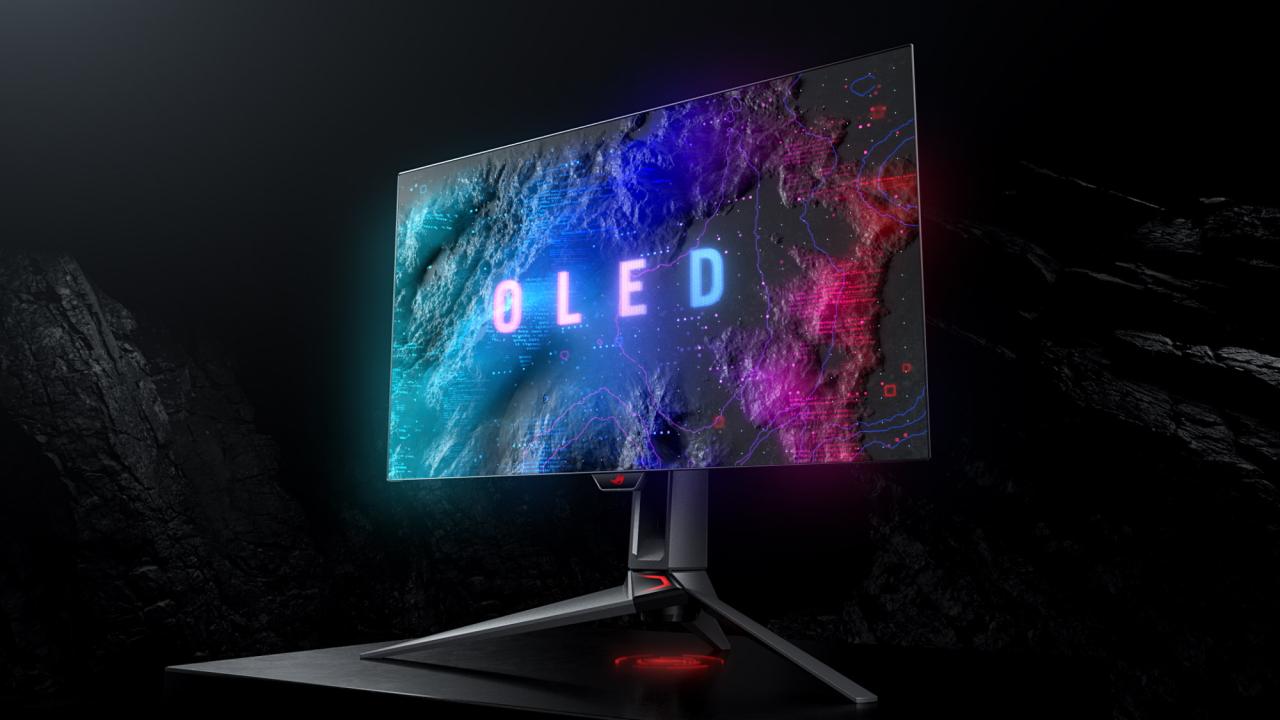
Organic Light-Emitting Diode (OLED) technology, long the gold standard for TVs, is rapidly entering the monitor space, offering unparalleled image quality and speed.
A. Perfect Blacks and Contrast: Since each pixel is self-illuminating, an OLED monitor can display perfect blackness (by turning the pixel completely off), resulting in an infinite contrast ratio. This makes dark scenes incredibly detailed and atmospheric.
B. Near-Zero Response Time: OLED pixels switch on and off almost instantaneously, with GtG response times often measured in microseconds ($\mu \text{s}$), essentially eliminating motion blur and ghosting, making them theoretically the fastest displays available.
C. The Burn-In Concern: The major drawback of OLED remains the risk of permanent burn-in from static elements (like HUDs or desktop taskbars). While modern OLEDs have sophisticated protection systems (pixel shifting, brightness limiters), this remains a valid concern for PC monitor use.
Mini-LED Backlighting
For gamers seeking the best of both worlds—high speed and HDR performance—the Mini-LED technology is a key innovation.
A. Local Dimming Zones: Mini-LED replaces traditional LED backlights with thousands of tiny LEDs grouped into hundreds or thousands of local dimming zones.
B. Superior HDR: By controlling the backlight precisely, the monitor can simultaneously display deep blacks in shadowed areas and extremely bright highlights, achieving the visual impact required for certified High Dynamic Range (HDR) content (e.g., $HDR 1000$ or above). This improves the contrast ratio significantly over standard IPS or VA panels without sacrificing speed.
Key Purchasing Considerations: A Buyer’s Checklist
Navigating the monitor market can be overwhelming. Before making a decision, a gamer must evaluate their personal needs and hardware limitations.
1. GPU Power and Frame Rate Consistency
The most important question: Can your GPU consistently output frame rates high enough to match the monitor’s refresh rate?
A. Matching Frames to Hz: A $240 \text{Hz}$ monitor is wasted if your PC can only push $100 \text{ Frames Per Second (FPS)}$ in your favorite game. The goal is $FPS \geq \text{Monitor Hz}$.
B. Adaptive Sync Necessity: If your GPU cannot consistently hit the refresh rate, Adaptive Sync (G-SYNC/FreeSync) becomes a vital feature to ensure a tear-free and smooth experience, even when frame rates fluctuate.
2. Screen Size and Curvature
A. Screen Size: For competitive $1080p$ or $1440p$ gaming, $24 \text{-inch}$ to $27 \text{-inch}$ monitors are standard, as they keep all crucial information within the player’s immediate field of view. Larger $32 \text{-inch}$ or ultrawide monitors are generally preferred for immersive, single-player experiences.
B. Curvature: Curved screens, typically $1000R$ (more aggressive) or $1800R$ (less aggressive), are most effective on larger or ultrawide displays. The curvature helps keep the edges of the screen an equal distance from the viewer’s eye, enhancing immersion and reducing peripheral distortion.
3. Panel Uniformity and Quality Control
High-refresh monitors, especially IPS variants, can sometimes suffer from quality control issues that become more noticeable at high speeds:
A. Backlight Bleed: Light leakage around the edges of the screen, particularly visible during dark scenes.
B. IPS Glow: A characteristic “glow” that appears when viewing a dark image from an angle, common in IPS panels.
C. Dead Pixels: Individual pixels that are permanently stuck off (black) or stuck on a single color.
Always research return policies and monitor reviews regarding panel quality control before purchasing.
4. Connectivity Standards
Ensure your monitor has the bandwidth to handle the desired resolution and refresh rate simultaneously.
A. DisplayPort 1.4: This is the standard for most high-refresh gaming monitors, supporting high resolutions and refresh rates with VRR.
B. HDMI 2.1: The latest HDMI standard, required for $4K @ 144 \text{Hz}$ and higher. Crucially, it is necessary for next-generation consoles (PS5 and Xbox Series X) to achieve their advertised $4K @ 120 \text{Hz}$ output.
Top Tier High-Refresh Monitor Categories (Model Examples)
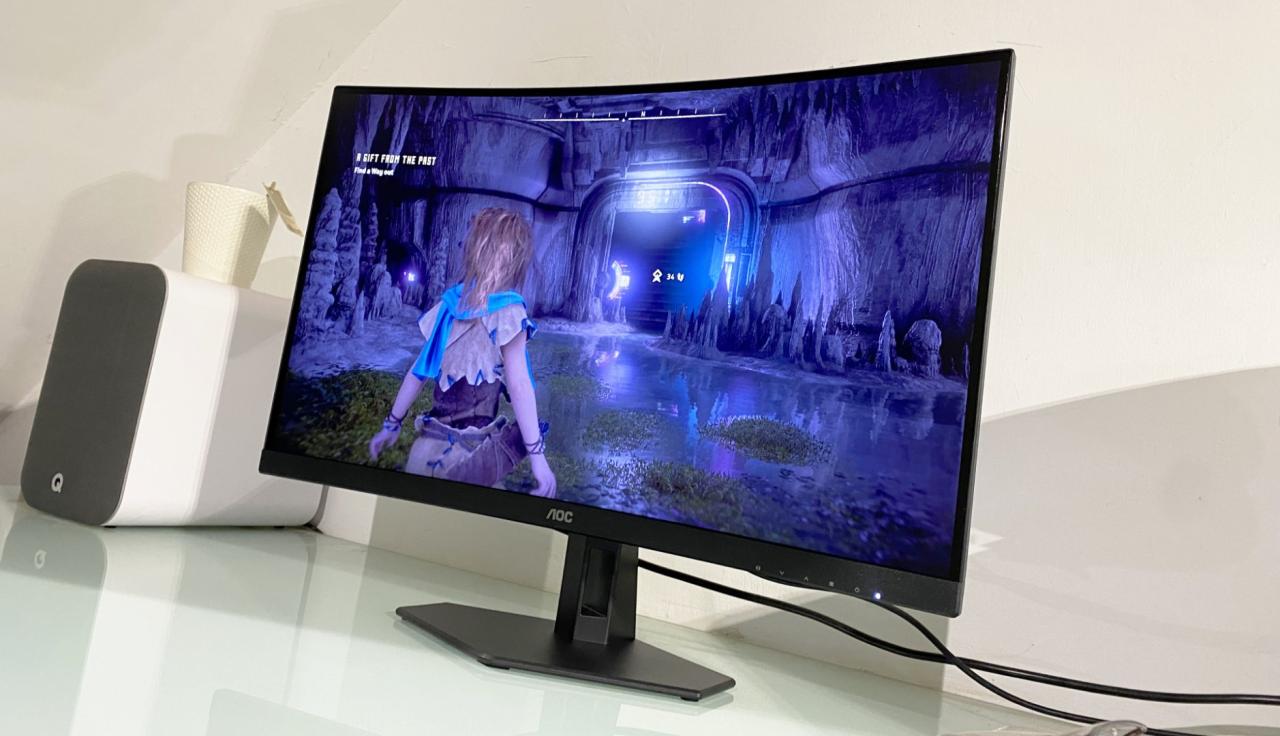
The market can be segmented based on the core player demographic and their performance needs.
1. The Pure Esports Contender (Speed is Everything)
Target: Competitive FPS players (CS:GO, Valorant, Apex Legends).
Specs: $24 \text{-inch}$ or $25 \text{-inch}$, $1080p$ resolution, $240 \text{Hz}$ to $360 \text{Hz}$ refresh rate, TN or high-speed IPS panel, 1ms GtG.
Key Feature: Focus on the best possible motion blur reduction (MPRT) settings, often prioritizing a clean strobe over VRR.
2. The Balanced Enthusiast (The Sweet Spot)
Target: PC Gamers who play a mix of competitive and visually rich AAA titles.
Specs: $27 \text{-inch}$ to $32 \text{-inch}$, $1440p$ resolution, $144 \text{Hz}$ to $240 \text{Hz}$ refresh rate, Fast IPS panel, G-SYNC Compatible/FreeSync Premium Pro.
Key Feature: Excellent color accuracy and the highest possible HDR brightness for immersive gaming, without compromising too much on speed.
3. The Immersion King (High-Fidelity Speed)
Target: Gamers with top-of-the-line GPUs seeking the ultimate visual experience.
Specs: $32 \text{-inch}$ to $49 \text{-inch}$ Ultrawide, $4K$ or $3440 \times 1440 \text{p}$ resolution, $144 \text{Hz}$ or $165 \text{Hz}$ refresh rate, Mini-LED or OLED panel.
Key Feature: Uncompromised contrast (OLED/Mini-LED), perfect HDR performance, and massive screen real estate for maximum visual impact.
Conclusion
The transition to a high-refresh rate monitor is arguably the single most impactful upgrade a competitive gamer can make to their setup, second only to the GPU itself. It’s an investment in smoother motion, faster reaction times, and ultimately, a more enjoyable and less fatiguing gaming experience.
By understanding the interplay between refresh rate, response time, panel technology (especially Fast IPS and OLED), and Adaptive Sync, you can move past the marketing hype. Choose a monitor that aligns with your hardware capabilities and your primary gaming focus—be it pure, unadulterated speed for esports or a harmonious blend of fidelity and velocity for immersive AAA adventures. The fluidity advantage is waiting.